01
Choose two photos
Pick the target image you want to edit and a reference image with the color look you like.
Android closed testing
Reference-based color matching for Android
Pick a target photo and a reference photo, then preview a local look transfer with clear before/after comparison and practical editing-reference parameters.
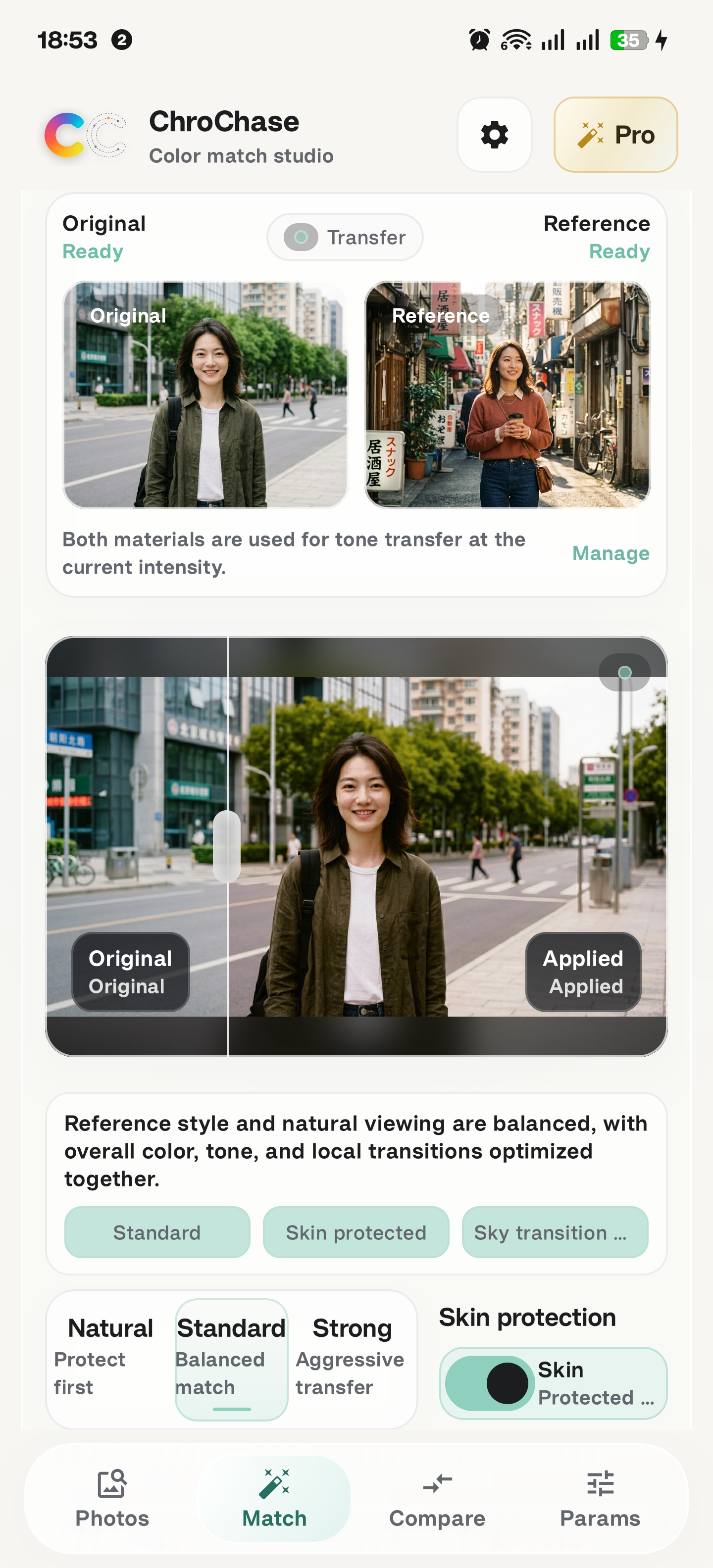
Current Android build
Target, reference, result, and recipe in one workflow.
01
Pick the target image you want to edit and a reference image with the color look you like.
02
Preview a local result that moves tone, warmth, saturation, and color range toward the reference.
03
Use split comparison and metrics to judge whether the match keeps the subject natural.
04
Save the result or follow the editing recipe in Lightroom-style tools.
App workflow
These screenshots show the current closed-testing build: image pairing, match preview, comparison, and editing recipes.
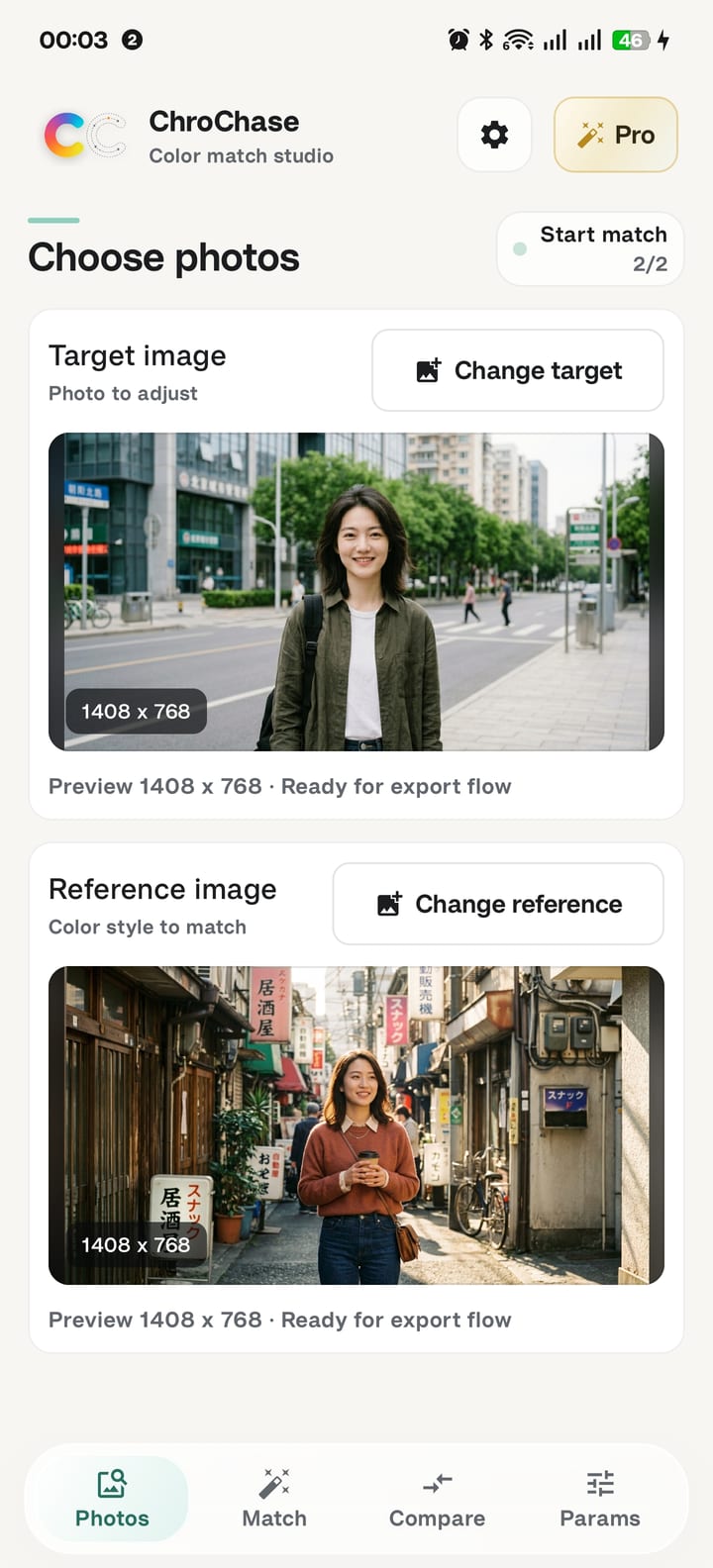
The workflow starts with the photo to adjust and the reference look to follow.
The match view keeps original and applied states visible so the change is easy to judge.
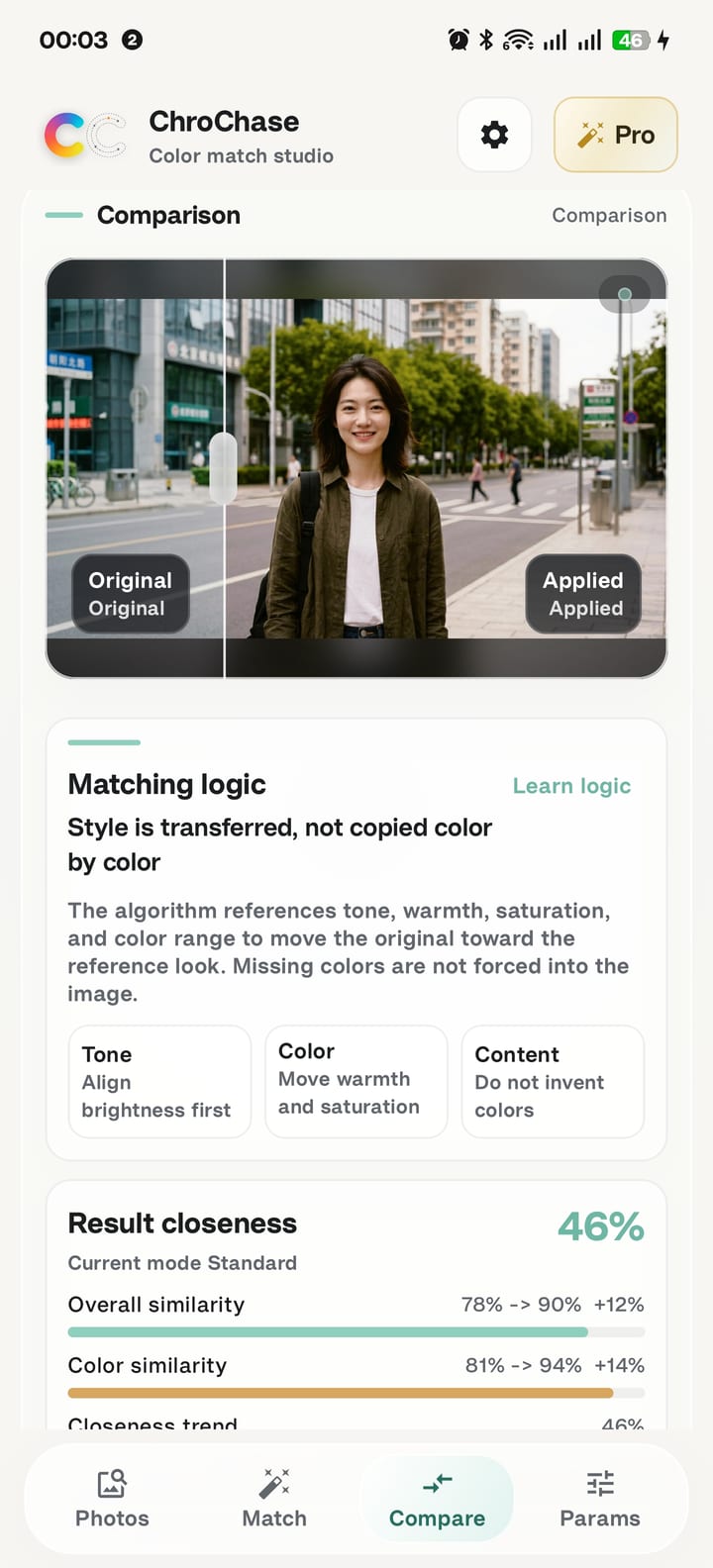
Comparison explains the matching logic and shows similarity changes without pretending to copy every pixel.
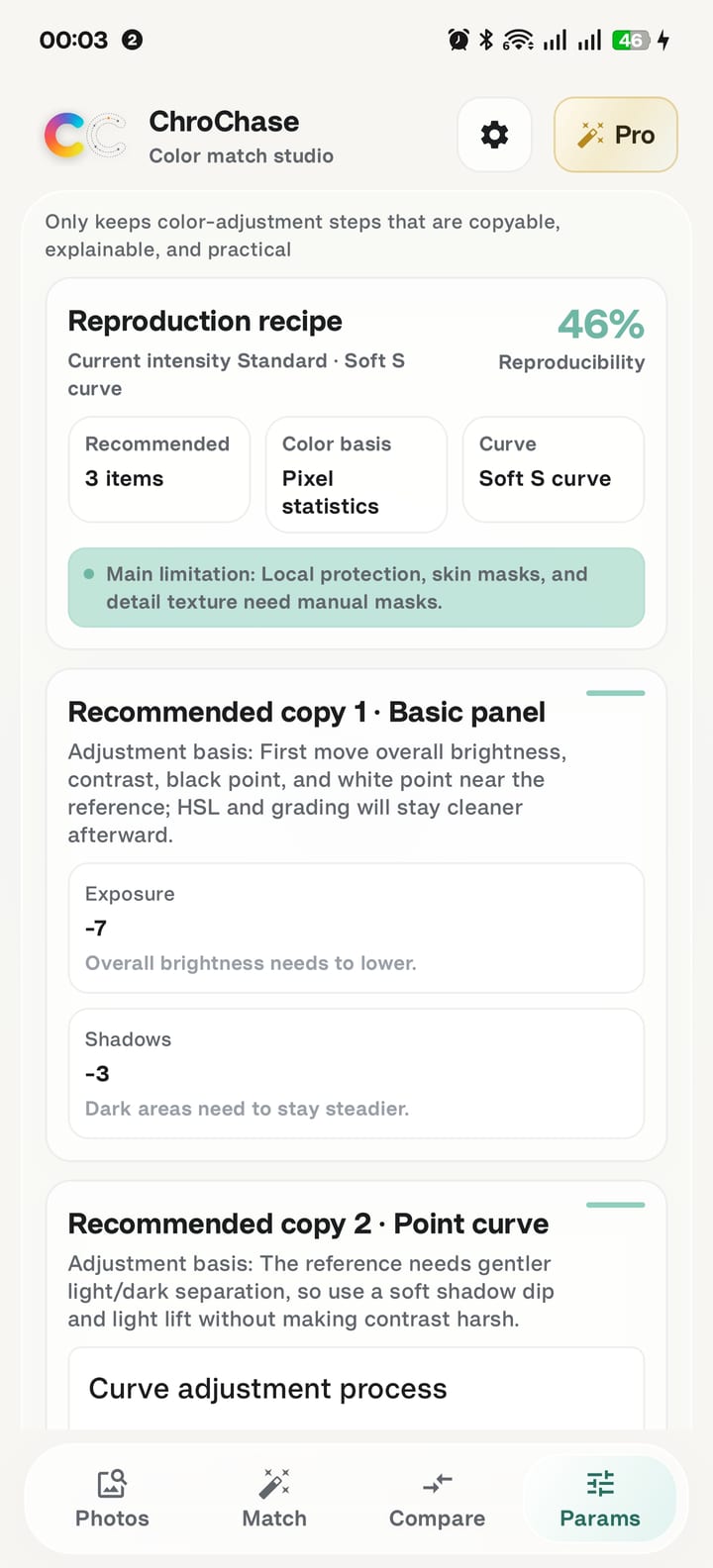
The parameter page turns the match into reproducible editing steps for manual refinement.